 maibank
 maib business app
 new internet banking - maib business
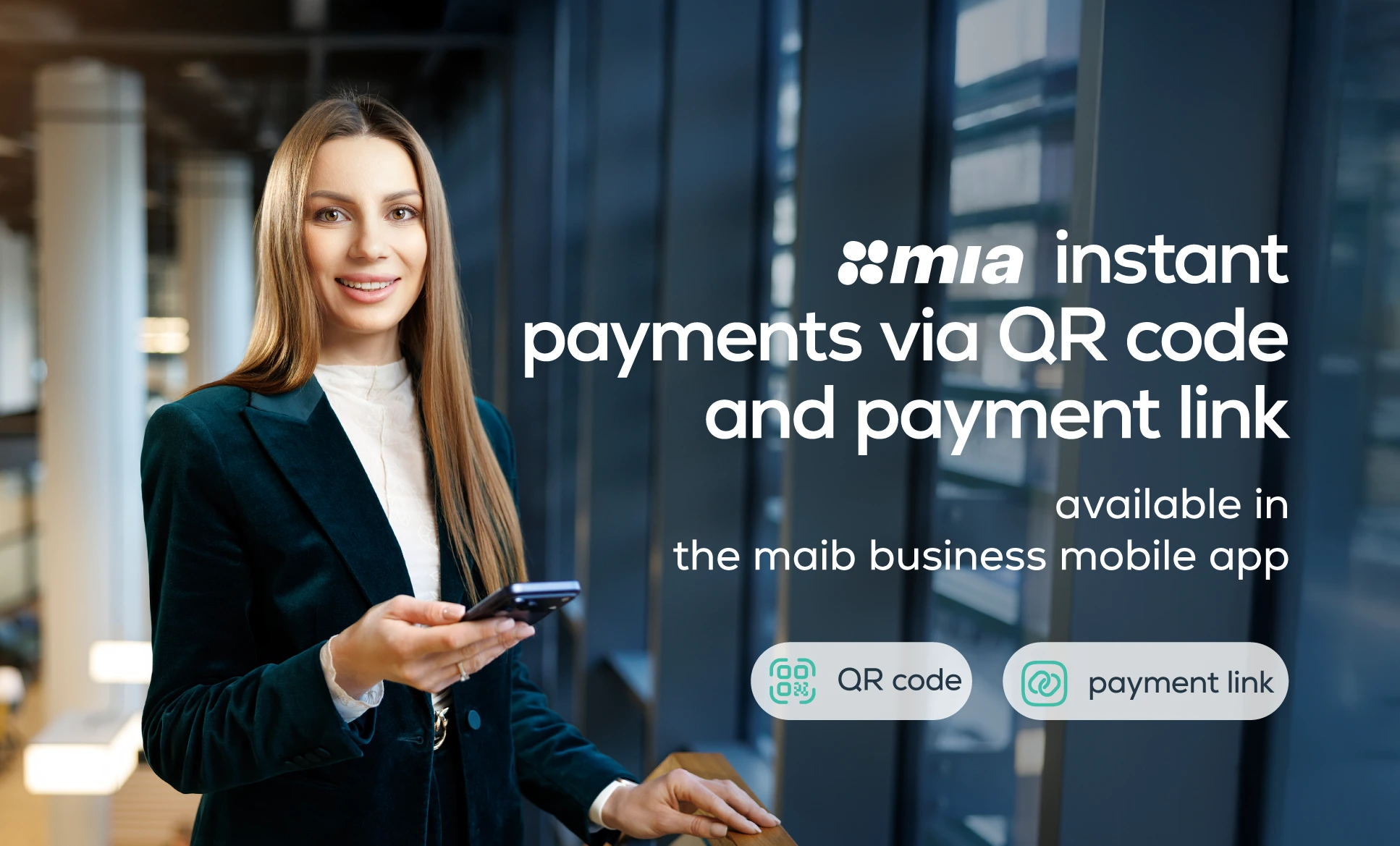
You can now make instant payments between businesses even more easily, directly from the maib business mobile app. Scan a QR code or click on a MIA payment link, and the transaction details will be filled in automatically.
How do you make a payment?
From the maib business mobile app
- Open the maib business app.
- Select the company from which you wish to make the payment.
- Select the “Pay via QR” option.
- Scan the QR code received from the beneficiary.
- Check the payment details and authorise the transaction. The payment will be processed instantly.
Using your phone’s camera or via a payment link
- Scan the QR code with your phone’s camera or access the payment link received from the beneficiary.
- You will be redirected to the MIA service page of the National Bank of Moldova.
- Select the maib business app.
- Select the company through which you would like to make the payment.
- The app will automatically open the payment order with the fields pre-filled.
- Check the details and authorise the payment. The transaction will be processed instantly.
Benefits
- Payment details are filled in automatically.
- Payments are processed instantly, 24/7.
- A simple and intuitive process, completed in just a few seconds.
- Fewer errors when entering the beneficiary’s details.
- Rapid payment confirmation.
The maximum limit per transaction is 500,000 MDL, and the applicable fee is displayed before confirmation, in accordance with the current rates (0.7% of the transaction amount, but no more than 40 MDL per transfer).
This feature is available to all corporate customers using the maib business mobile app on iOS and Android.