


 maibank
 maib business app
 new internet banking - maib business

How Can You Spot a Fraud Attempt?
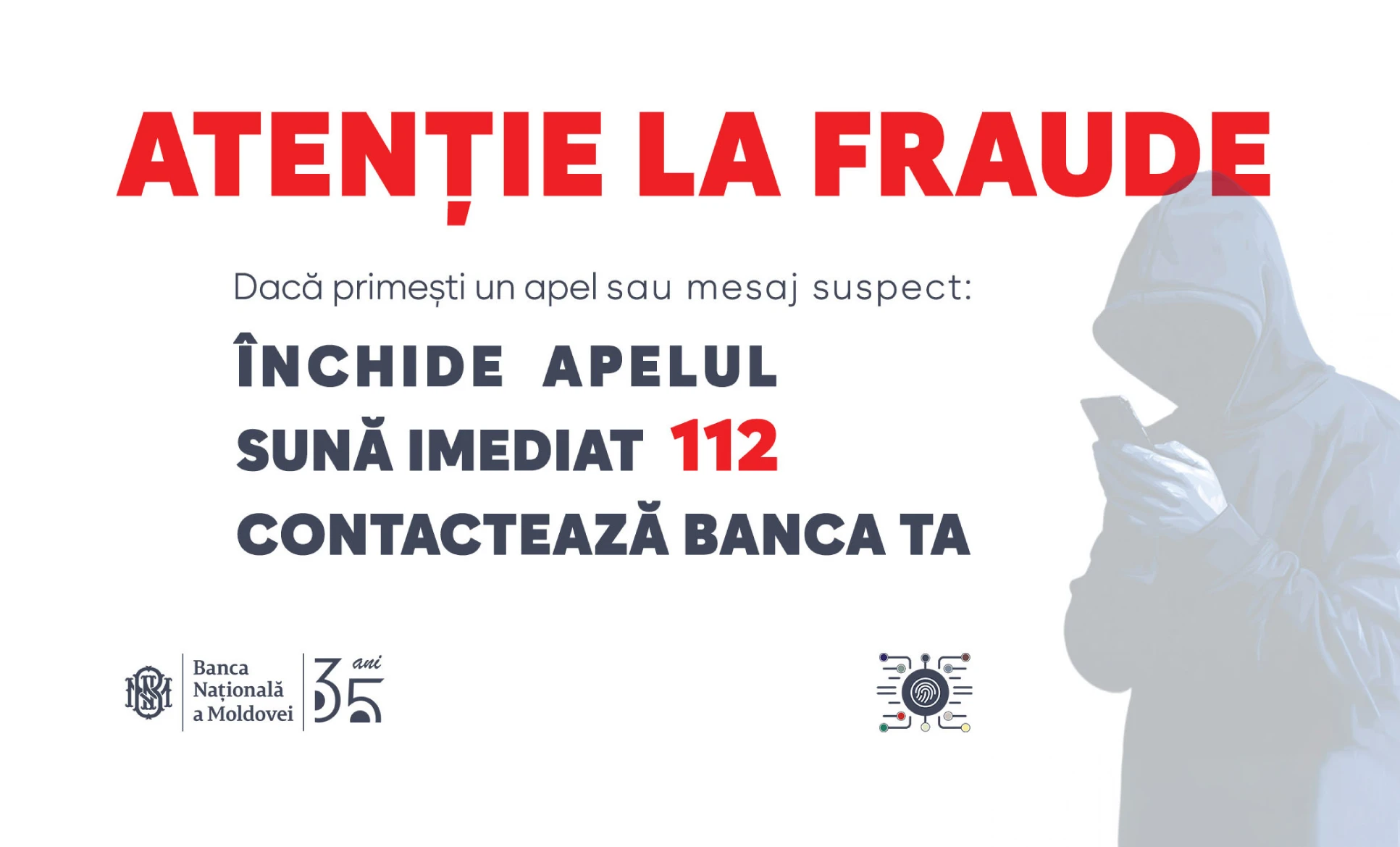
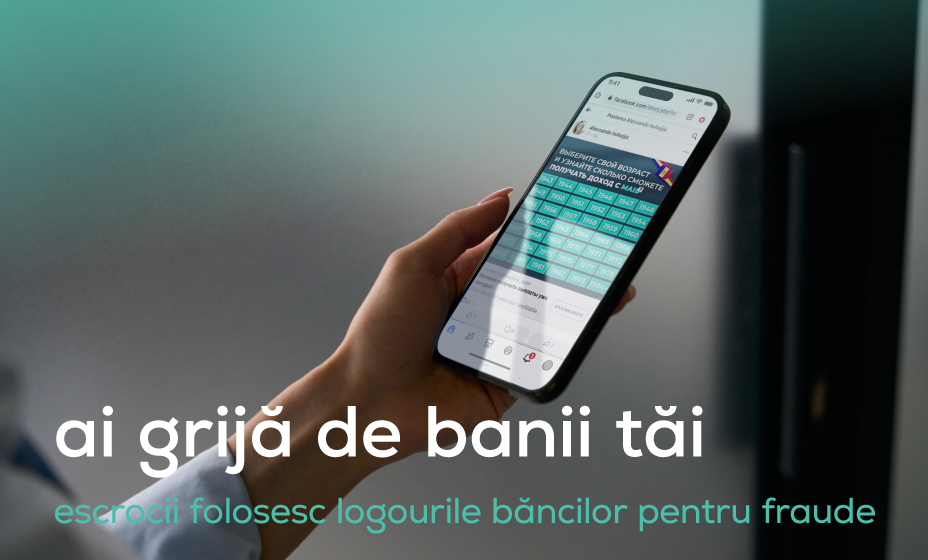
The safety of your money is our top priority. Stay vigilant and always be cautious when making transactions with a new merchant or sending money to new third parties.
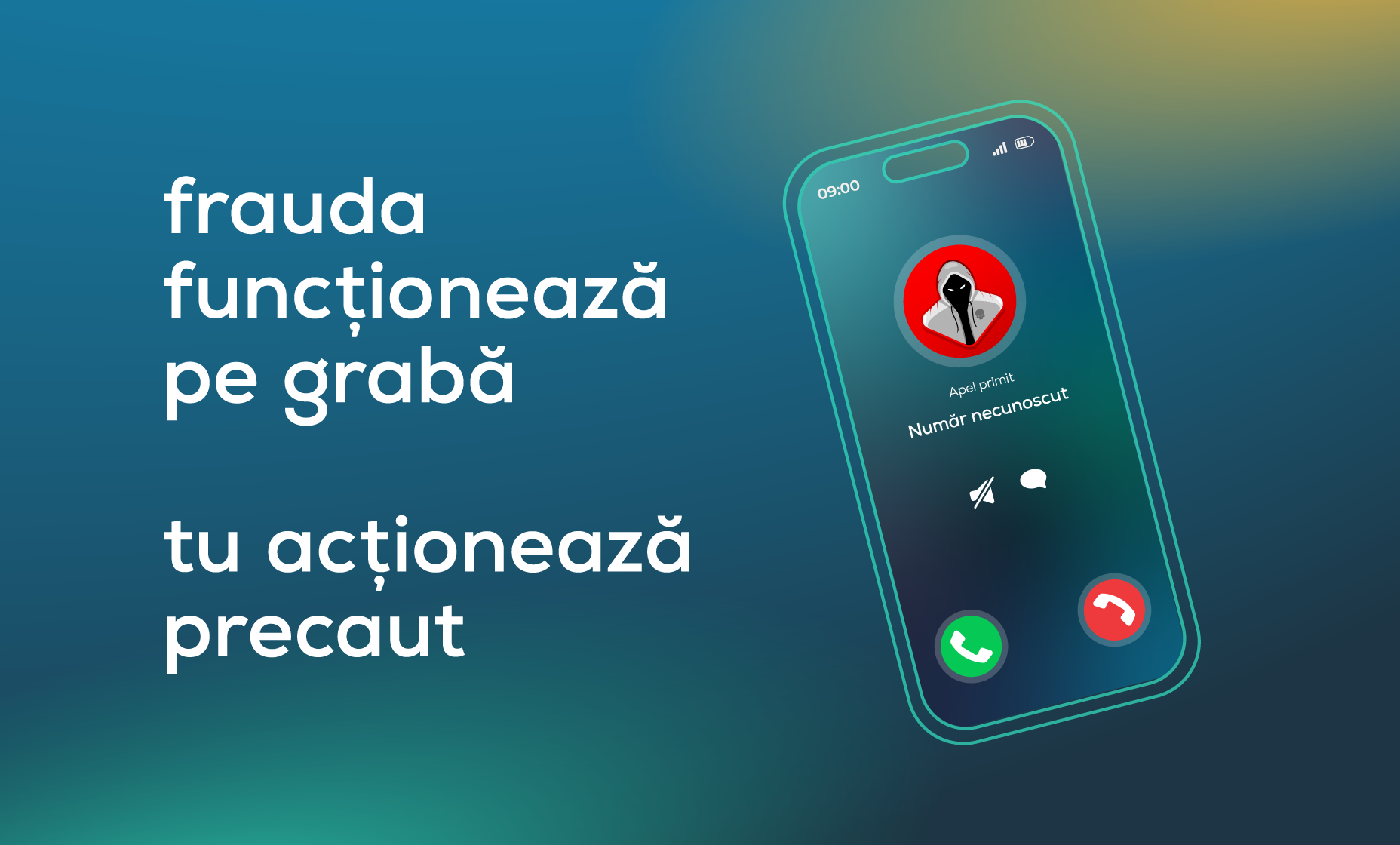
You feel pressured
Scammers create a sense of urgency to make you decide quickly or give you the impression that you have limited time to act.
It’s too good to be true
Promises of quick profits with no major risks usually hide scams.
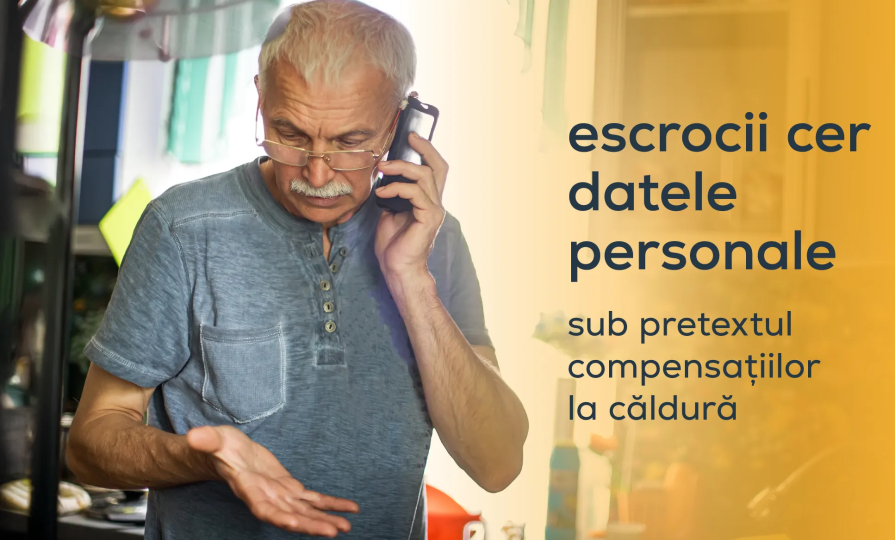
An unexpected call from your bank
Legitimate companies do not ask for personal or banking information over the phone; they only use official channels and provide advance notice.
An app has been installed on your phone
It could be malicious software that asks you to install an app on your phone to steal your personal and banking information.
They try to convince you
A scammer will seem friendly and trustworthy in order to manipulate you. If you have any doubts, take the time to assess the situation – and ask a friend or family member for a second opinion.
The Most Common Online Scams
Common Situations and What to Do
I lost my card or phone, or it was stolen
Block your card in the maibank app or call 1313. If you’ve lost your phone, change your app passwords using another available device and request that the app be temporarily blocked by calling 1313.
I’ve been a victim of fraud
Contact the bank immediately at 1313, report the fraud, and file a complaint with the police.
I’ve detected a suspicious transaction
Notify the bank immediately at 1313 – don’t wait.
I’ve disclosed my card details
Block the card through the app or request that the card be blocked by calling 1313. Request a new card at the nearest branch.
Here are a few simple tips you can follow every day: Secure your
Online transactions
- Use a card dedicated exclusively to online payments and load it only with the amount needed before each transaction.
- Always check that the website address begins with https:// and that the padlock icon appears in the address bar.
- When paying, enter only: the card number, name, expiry date, CVV/CVC, and the requested confirmation. You will never be asked for your PIN, balance, or
- Personal Identification Number (IDNP) – if a website asks for these, close the page immediately!
- Keep your payment confirmations and digital receipts for future verification.
- No bank or online platform will ever ask for your PIN, CVV, or OTP over the phone, via email, or by text message. To receive money on your card, all you need is the card number, your name, or your phone number (MIA transfer).
The Card
- Do not share your card details with anyone – including the number, expiry date, CVV/CVC, or PIN – regardless of the reason or the person.
- Enable SMS alerts or push notifications for every transaction so you’ll immediately notice any unauthorized activity.
- Set transaction limits: daily limits, ATM withdrawal limits, and online payment limits. Limits reduce the risk of significant losses in a short period of time.
- Memorize your PIN and do not write it down on your card or in your phone. Avoid predictable combinations: 0000, 1234, or your date of birth.
- Choose cards that can be activated via the “PIN by SMS” option.
- Check your account statement regularly through the maibank app or subscribe to the SMS notification service.
The maibank app
- Enable biometric authentication: fingerprint or Face ID.
- Use a unique PIN/password for the banking app – one that’s different from your phone’s.
- Do not install apps from unofficial sources (APK files or suspicious links). These may contain malware.
- Regularly update the maibank app to benefit from the latest security measures.
Phone
- Do not grant remote access to your device to strangers.
- Enable screen lock with a strong password or biometric authentication.
- Avoid making transactions while connected to unsecured public Wi-Fi networks.
Learn How maib Helps You Stay Safe

Comprehensive prevention measures and monitoring of real-time anti-fraud systems

We apply anti-fraud rules that automatically block certain high-risk transactions

Additional authentication for certain operations

We inform our clients about new fraud schemes through our maib communication channels

We offer 24/7 support via the 1313 service

Security rules constantly adapted to new types of fraud