


 maibank
 maib business app
 new internet banking - maib business

Dear maib business user,
Please be informed that, starting from 01.07.2026, authentication using an OTP code received via SMS will no longer be available for accessing your maib business account.
This change is necessary to provide you with a higher level of security. SMS messages may be vulnerable, and according to National Bank of Moldova requirements, this method no longer meets the security standards applicable to authentication in banking systems.
To avoid difficulties when accessing your account, we recommend selecting an alternative authentication method in advance.
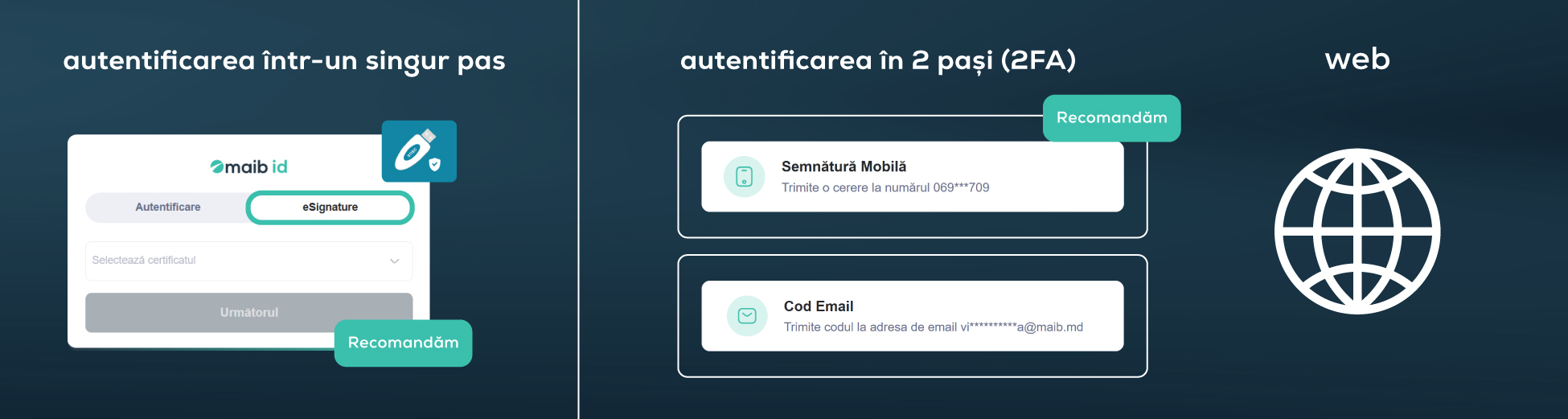
If you mainly use the maib business web version
We recommend using the eSignature option with the MoldSign electronic signature. This is a more convenient option that complies with all SCA requirements, as you possess the USB token and know the access password.
If you do not have an electronic signature, you may choose one of the following options:
- mobile signature (recommended) — this is one of the most secure methods. To use it, the phone number registered in maib business must match the number on which the mobile signature is activated;
- OTP via email — the code will be sent to the email address set in your profile. We recommend checking that the indicated address is correct and active.
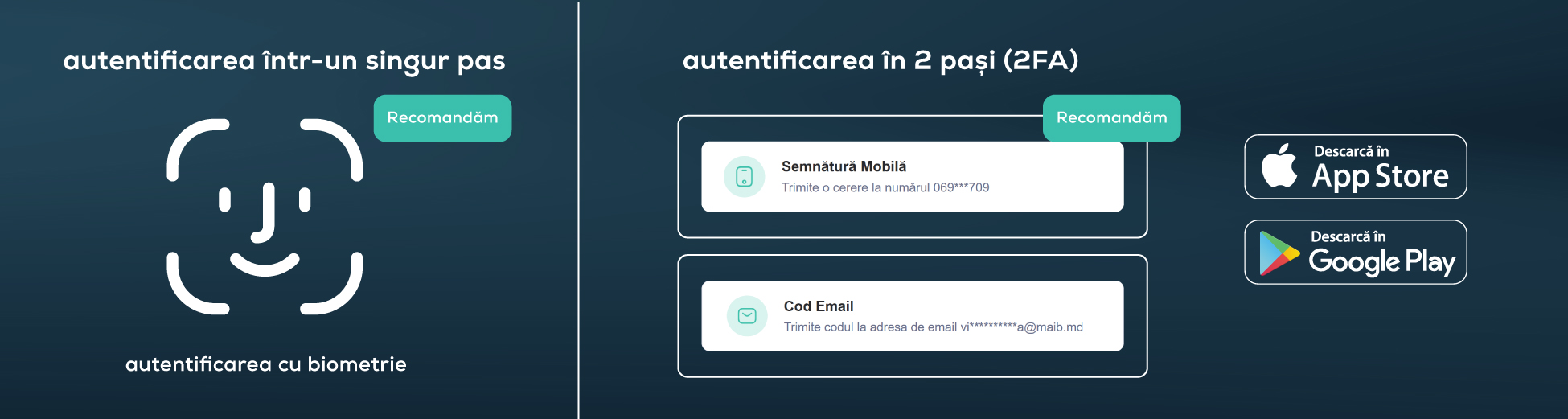
If you actively use the maib business mobile app
We recommend checking whether biometrics are enabled in your phone settings, so that you can quickly access your account using facial recognition or fingerprint.
In addition, you can activate one or both 2FA options:
- mobile signature (recommended);
- OTP via email.
Starting from July, additional authentication methods will also be available, such as:
- passkey;
- authentication apps such as Google Authenticator.
How to change your 2FA authentication method?
- Access the profile icon in the top right corner of the maib business interface;
- Go to the Two-step authentication section;
- Select and activate the desired option, or all of them at once.
Important: if the phone number or email address in your profile is incorrect, they must be updated by calling 1314 or +373 22 303 838 (for corporate clients), and signing the relevant document by the company administrator. More details here.
Through this update, we aim to provide you with a safer and more efficient authentication experience and to reduce the risks associated with account access.
Thank you for your understanding and for the trust you place in us.
Kind regards,
maib business team