


 maibank
 maib business app
 new internet banking - maib business
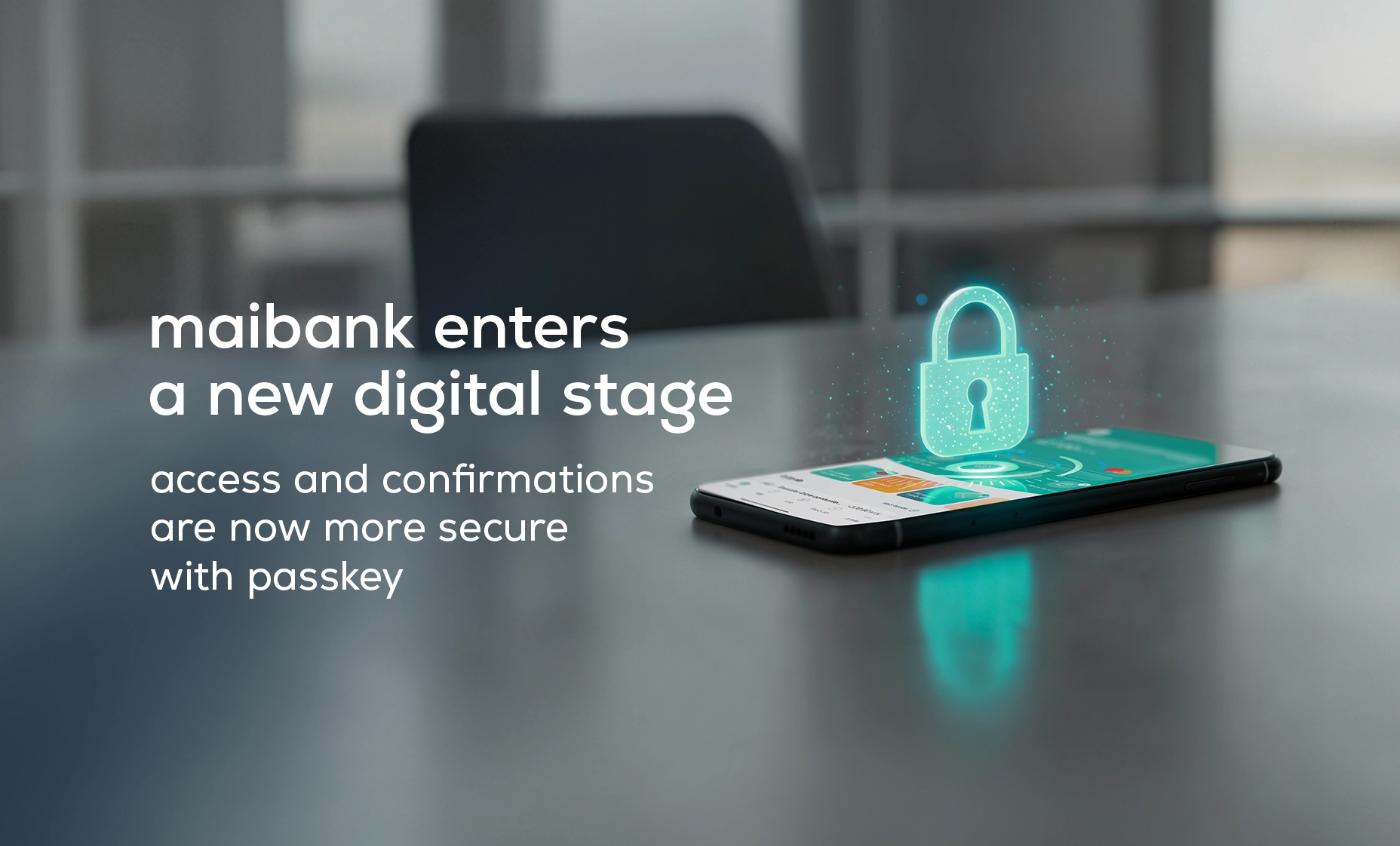
Faster access, enhanced security, and a significantly simplified digital experience for every user.
Maib introduces a new method for authentication and transaction approval in the maibank app: passkey. You can now log in and confirm transfers using only Face ID or Touch ID — with no SMS codes.
What is a passkey?
A passkey is a digital key securely stored on your device.
When you log in, your phone verifies your identity using its built-in biometrics, without SMS codes. The entire process takes one second and happens automatically, with the same gesture you already use to unlock your phone.
A natural step toward a simpler digital experience
For many users, logging into maibank with Face ID or fingerprint is already a habit.
Until now, these methods only replaced entering the password, while the actual authentication still relied on SMS codes.
With passkey, Face ID and fingerprint become the full and primary method for logging in or approving transactions.
SMS codes are removed entirely — access becomes instant, safer, and more convenient.
Benefits for users
- One-step access directly through your device’s biometrics.
- No SMS codes — regardless of your device or mobile operator.
- No dependence on roaming or a Moldovan phone number when abroad.
- High security through cryptographic authentication directly on your device.
- Faster, smoother, and interruption-free experience.
How to activate your passkey
The next time you open maibank, you’ll receive an activation prompt.
Confirm using your device’s biometrics — and you’re all set.
You can also enable passkey anytime in:
Settings → Access key.
Introducing passkey login and transaction confirmation is part of maib’s commitment to building a modern, secure, and intuitive digital experience for every customer.
You drive. maib