
 maibank
 maib business app
 new internet banking - maib business
Dear Customer,
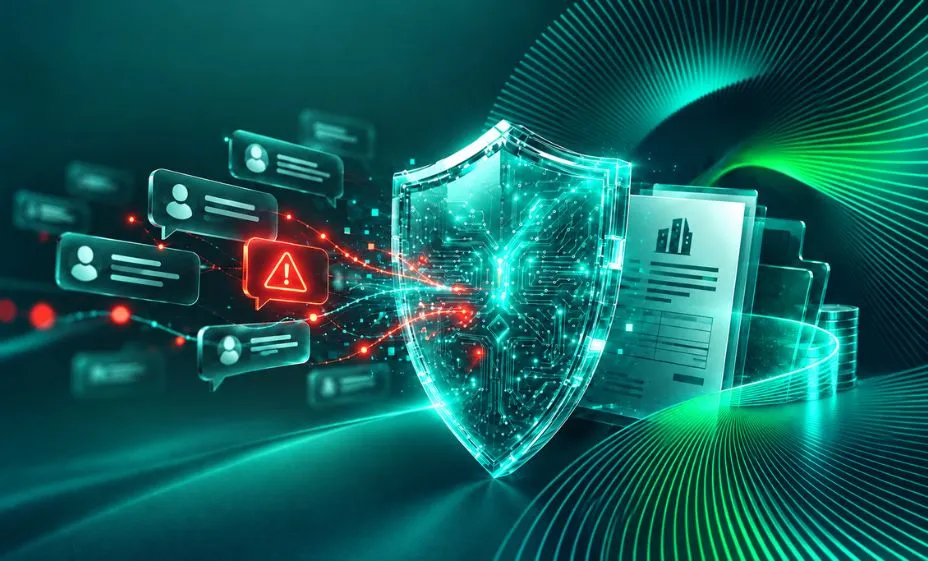
Recently, several fraud attempts targeting companies, entrepreneurs, and accountants have been reported. In most cases, fraudsters contact company employees via messaging applications such as Telegram, impersonating the company administrator, a colleague, a business partner, or another trusted individual.
Their objective is to obtain financial information or persuade employees to make urgent payments to beneficiaries and accounts controlled by the fraudsters.
How do fraudsters operate?
In a commonly observed scenario, fraudsters:
- Gain access to a person's Telegram account, for example, that of a company administrator, employee, or business partner.
- Use the compromised account to contact other individuals, making messages appear to come from someone familiar and trustworthy.
- Request financial information, such as bank details, account information, payment-related data, or other information that may later be used for fraudulent purposes.
- Provide instructions to make a payment, typically presenting it as urgent, confidential, or necessary to resolve an immediate situation.
Why can this type of fraud be difficult to detect?
The message may originate from the actual account of someone you know. Therefore, seeing the person's name, profile picture, and chat history does not confirm that the request is legitimate.
Fraudsters may also use real information about the company, its employees, or business relationships to make their messages appear credible.
What should you do?
Before sharing financial information or making a payment:
- Verify the request through a different communication channel. If you receive an unusual request for payment or financial information via Telegram, call the person using the phone number already saved in your contacts, not a number provided in the message.
- Do not assume that a familiar account is proof of authenticity. Even if the message comes from the account of a company administrator, colleague, or business partner, verify the request whenever it involves money or confidential information.
- Do not make payments based solely on a message. Follow your company's internal procedures and confirm payment requests through an independent communication channel.
- Be cautious of urgent or unusual requests. Phrases such as "urgent," "right now," "I can't talk on the phone," "this is confidential," or "don't tell anyone" should prompt additional verification.
- Do not share financial information without verifying the recipient. Bank details, account information, payment information, and other company financial data should not be disclosed solely based on a request received through a messaging application.
- Verify any changes to payment details. If a known business partner requests a change of beneficiary account or asks for a payment to be sent to a new account, confirm the change through an independent communication channel.
What should you do if you suspect your messaging account has been compromised?
If you notice suspicious activity in your Telegram account or suspect that someone else has gained access to it, take immediate action:
- Secure your account. Review active sessions and connected devices, and sign out of any sessions you do not recognize.
- Enable Two-Step Verification. Use a strong, unique password and ensure your recovery information is up to date.
- Immediately notify colleagues and business partners. Inform them that recent messages sent from your account may not have originated from you and that any requests for payments or information should be verified separately.
- Check whether any financial requests or information have been sent. If bank details, payment information, or payment instructions have been requested or shared from the compromised account, immediately notify the affected individuals and your company.
- Contact your bank immediately if there is any suspicion of a fraudulent payment or disclosure of banking information. Do not wait for confirmation of fraud before seeking assistance.
- Preserve evidence. Do not delete suspicious messages or conversations. Keep screenshots, phone numbers, usernames, links, and information related to any potential transactions.
Protect Your Messaging Account
- Enable Two-Factor Authentication (2FA) and use a strong, unique password.
- Never share authentication or verification codes received via SMS or within the application, even if the requester claims to represent a bank, mobile operator, or another institution.
- Regularly review devices connected to your account and sign out of sessions you do not recognize.
- Do not click on suspicious links. Fraud attempts often begin with seemingly harmless messages such as "vote for me," "look at this photo," "verify your account," or "you've won." Such links may lead to fake websites designed to steal login credentials or personal information.
- Protect the phone number and email address associated with your account, including by enabling two-factor authentication.
- Keep your application and mobile operating system up to date and use only applications downloaded from official sources.
- Remember: your verification code is confidential. If someone asks for this code, do not share it.
Please Remember
A message received from a familiar account does not automatically mean that the request is legitimate.
Whenever a request involves money, changes to payment details, or financial information, pause and verify it through a separate and trusted communication channel.
Vigilance and additional verification can help prevent financial losses and security incidents.
At maib, the security of your business is one of our top priorities.
Kind regards,
maib team