



 maibank
 maib business app
 new internet banking - maib business
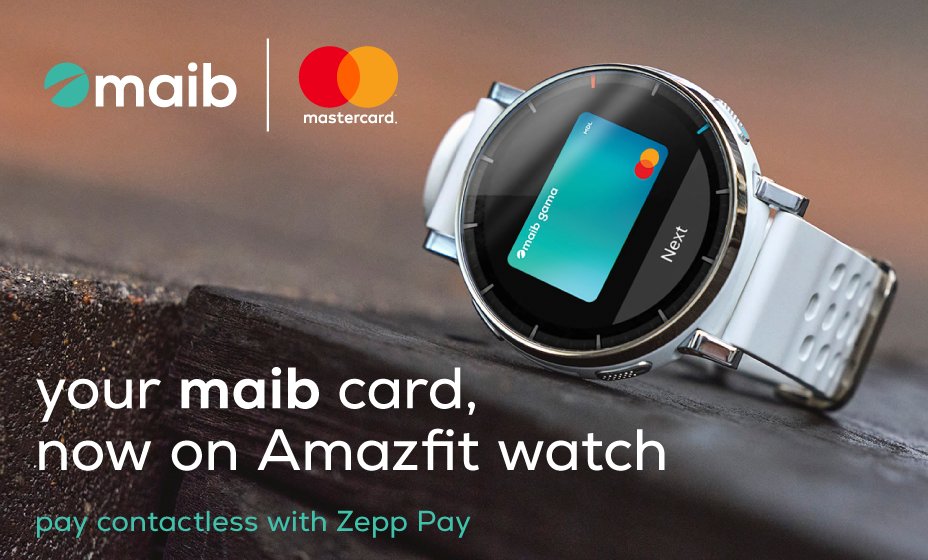
Maib and Mastercard continue to expand the digital payments ecosystem, bringing Zepp Pay to Moldova — a solution that enables contactless payments directly from compatible Amazfit smartwatches.
With this launch, maib customers can add their card to the Zepp app and make payments simply, quickly and securely — just by holding their smartwatch near a POS terminal.
How to set up Zepp Pay
To use the service, you need:
- an eligible maib Mastercard card;
- an Amazfit smartwatch with NFC support;
- the Zepp app.
Setting up Zepp Pay takes just a few steps:
- Download the Zepp app and pair your Amazfit smartwatch.
- In the app, set up a password and enable the smartwatch's automatic lock feature.
- Then go to the Zepp Pay section and add your Mastercard issued by maib.
- Once the setup is complete, you can make contactless payments directly from your smartwatch.
With Zepp Pay, your card is available right on your smartwatch, allowing you to make payments without taking out your phone or wallet.
Zepp Pay is available on compatible NFC-enabled Amazfit smartwatches.